
Make a CRT Feedback Tunnel
Open a finished patch with nested hexagon outlines, scan lines, separated color edges, and glow. Compare the source with the feedback loop, then adjust the trail and CRT finish.
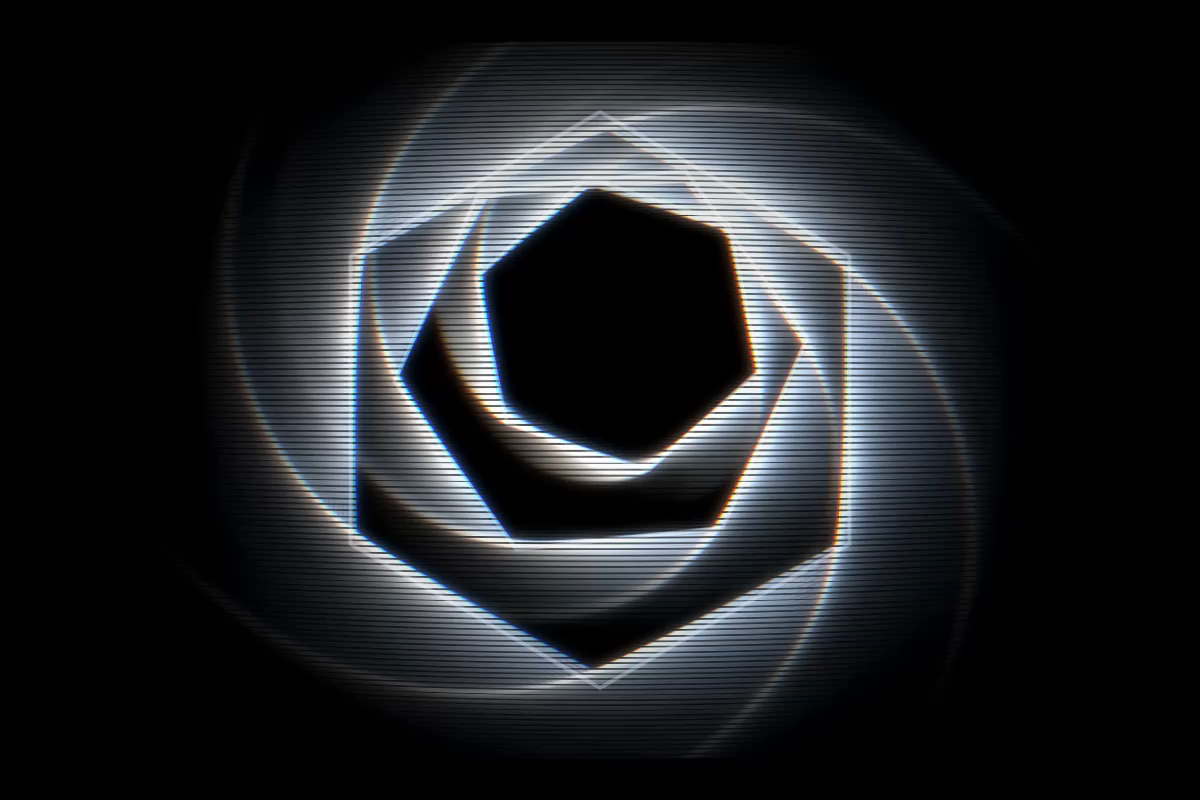
The preview uses the native renderer. Opening the patch, changing controls, and saving and reopening a copy still need manual verification in the released app.
1. Open the patch
Section titled “1. Open the patch”Download the CRT feedback patch and open it
with File > Open....
You should see nested hexagon outlines with bright edges and horizontal scan lines. Their position moves slowly. The patch needs no audio input, camera, or media files.
The chain contains SHAPE, named Hexagon source, followed by FEEDBACK,
named Recursive memory. Two LFO sources move the shape horizontally
and vertically.
2. Compare the source and result
Section titled “2. Compare the source and result”Select Recursive memory in Chain to show its FEEDBACK controls.
In Output, set Dry/Wet to 0.
Only the moving hexagon outlines remain. Return Dry/Wet to 0.79 to
bring back the recursive copies and CRT effects.
Dry/Wet blends the incoming image with the feedback loop. In this patch,
Blend and Loop Blend both use Screen to combine the bright outlines.
3. Adjust the trail
Section titled “3. Adjust the trail”In Loop, lower Decay to make older copies fade sooner. The supplied
patch uses 0.958; try a value near 0.90 for a shorter trail.
The Transform in the FEEDBACK INSERT FX chain uses Pre, so its small
zoom and rotation repeat each lap. This turns the shape’s earlier frames
into nested, rotated copies. The CRT effects use Post, so their finish
runs once on the loop’s output. See
Pre and Post Insert FX.
4. Adjust the glow
Section titled “4. Adjust the glow”Select Glow in the FEEDBACK INSERT FX chain. Lower Intensity to
reduce the light around the outlines. The supplied finish uses 1.15.
Keep Radius at 3.6 while comparing.
The other CRT effects in the patch are Convergence Error, Scan Lines,
Barrel, and Vignette. For their controls, see
CRT effects.
5. Save your version
Section titled “5. Save your version”Choose File > Save As... and save a copy as My CRT feedback.hxc.
Open the saved copy with File > Open... to check that your settings return.
This is the patch used in the CRT and feedback example, where you can compare the source, feedback, CRT, and modulation stages.